
Self-paced game design for your media library
Start a makerspace with GameSalad. Teens and adults try coding for the first time as they build their own video games.
Request a free pilot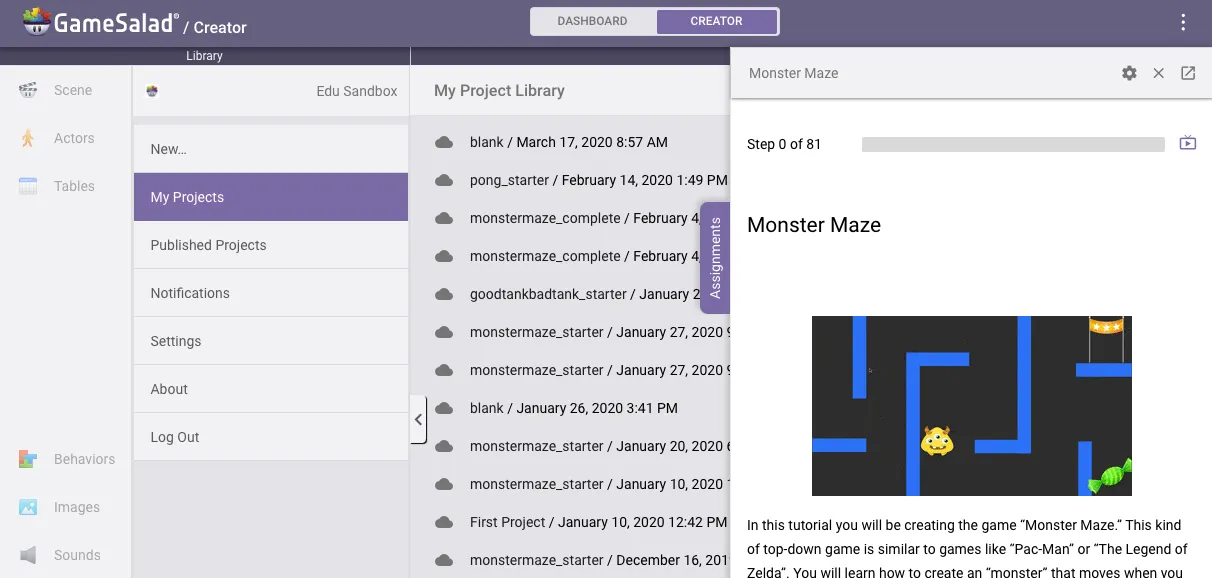
GameSalad lets students take their first steps in coding logic easily and quickly, but it still has great flexibility and power for those who want to tackle more complex projects.
Steve FloroPerry Lake High School
The look of the platform is very enticing, especially to kids. At first, they are like, ‘Whoa, we’re going to be doing this?’ And then it all just makes sense really quickly.

Patti GriffinUnion County Public Schools
The platform
What is GameSalad for Education?
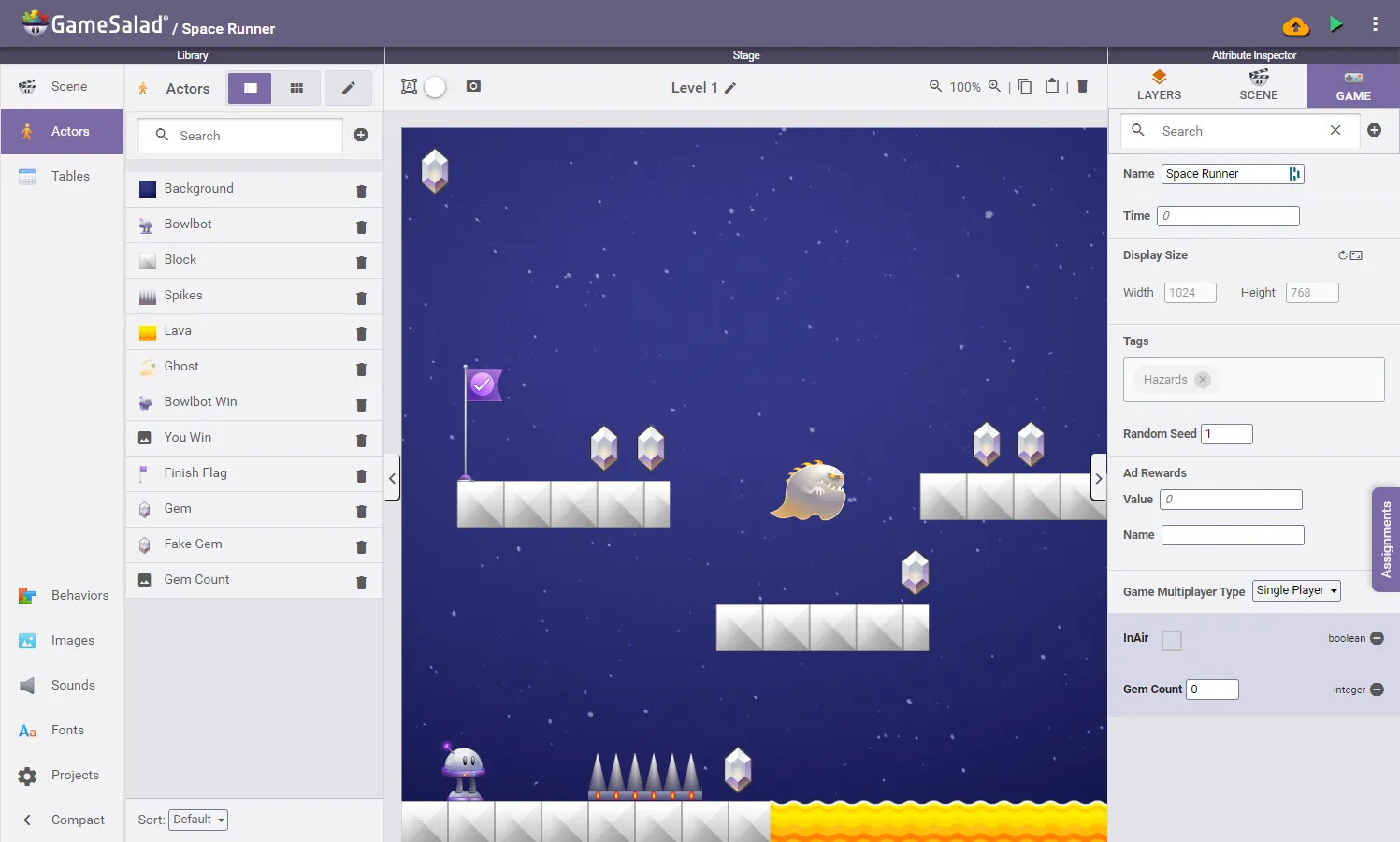
For grades 5 through 12 and beyond, people learn the fundamentals of computer science while building their own video games. It’s more sophisticated than block coding but free of heavy scripting, and the visual interface makes building and customizing games approachable.
Practice game design. Focus on story, art, and function rather than the placement of semicolons. Advanced learners can build completely original games. GameSalad is a professional indie game development platform used around the world; the library license adds instructions that help people learn quickly.
Start a teen makerspace in your library
GameSalad is perfect for teens and young adults trying coding for the first time. Built-in instructions orient each person to the platform, and they can stick with the tutorial or go their own way at any time to make the games they imagine. Projects are self-paced with video instructions, and the facilitator manages the curriculum.
Request a free pilot for your library.
What your patrons can do
- Follow videos and step-by-step written instructions, perfect for self-paced study
- Import their own graphics and sounds
- Create their own games and learn universal computer science fundamentals
- Sign in anonymously or with Google
- Test and play their game as they build, so their logic works as intended
- Prepare finished games for the app stores or the web
- Play their games on their own phones with the GameSalad Viewer
What librarians can do
- Open patrons’ projects to see or edit their work
- Control which tutorial content people see
- Contact GameSalad support for help with games
Tech specs
GameSalad runs in a web browser on desktops, laptops, and Chromebooks. You need:
- A stable internet connection
- Google Chrome or Firefox
- 2 GB of RAM
Request a free pilot for your media library
Tell us about your library and we’ll set you up.
Request a free pilot