
A great intro to GameSalad: build a game where you steer a character with the keyboard, navigate a maze, and pick up objects. Then customize it. Swap in your own art, keep score, add levels, obstacles, and hidden walls. It’s your labyrinth.
How to start
- Sign up for the GameSalad Hour of Code.
- Open the Assignments tab and choose an activity.
- Finish the activity, then start customizing your game.
Celebrating CS Education Week? These activities are made for it: each one fits in an hour, and students can keep customizing their games afterward.
Try it on your phone: add on-screen buttons for game control and play your game on your phone with GameSalad Viewer.
Activities
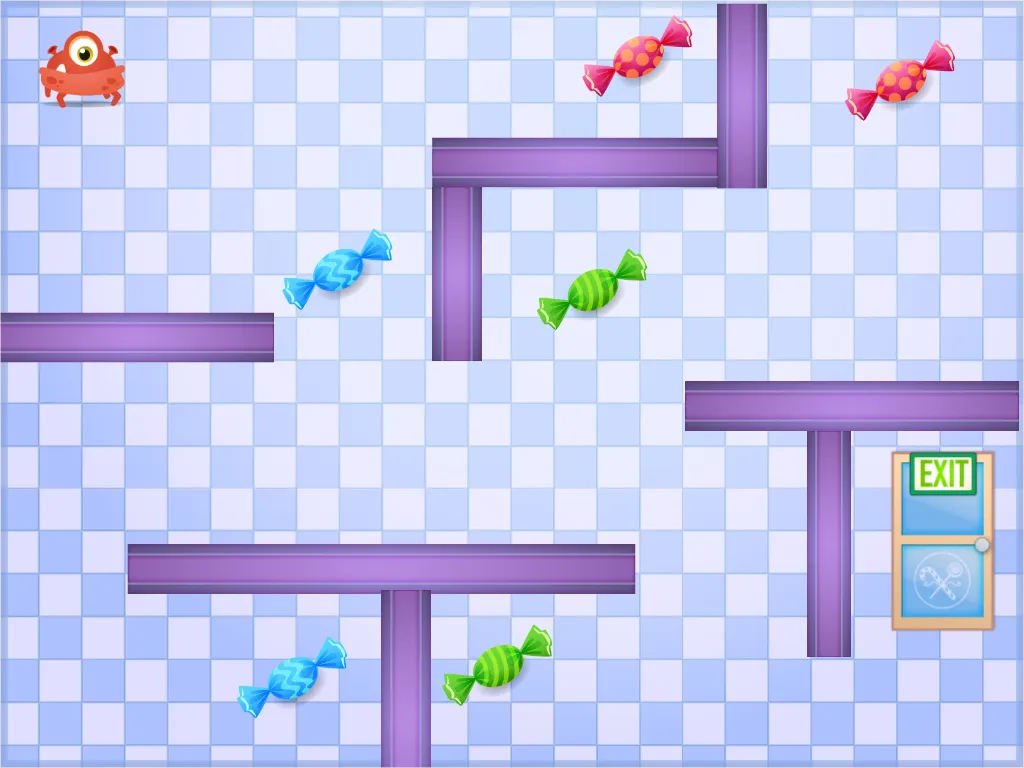
Monster Maze
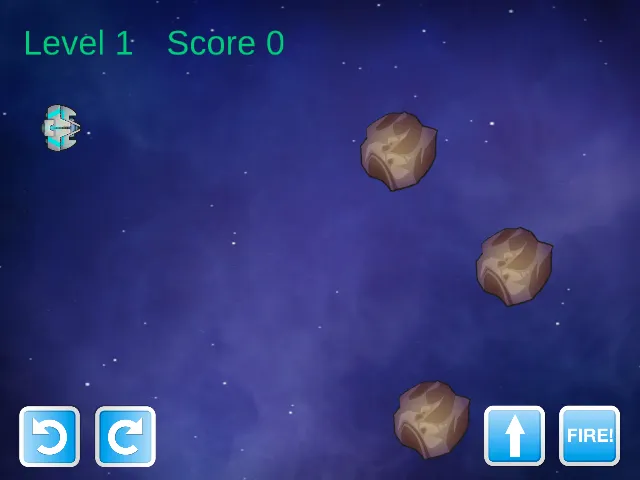
Space Rocks
A more advanced tutorial: build a game that uses physics for movement and loops to generate content. Then add more obstacles, change the setting, or invent new space debris.
Signing up a whole class?
A classroom trial lets you track student progress, drop into student projects, and use more activities.
Request a Trial