
He published his first games at 14 and passed a million downloads.
Turn your game player into a game maker
Kids love to play video games. Making them builds coding, problem solving, and creative skills, and GameSalad lets them start in a web browser with nothing to install.
Start creating free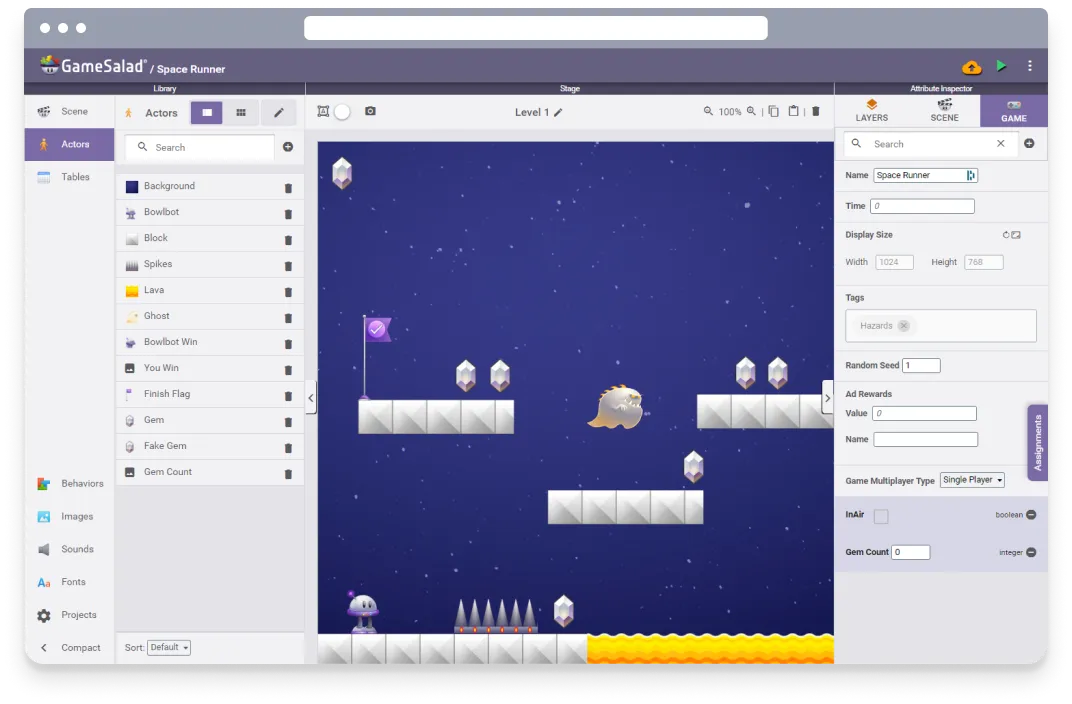
Learning by making
Real computer science, one game at a time
GameSalad's visual programming lets kids build their own mobile and web games without typing code. Every rule they write does something they can see and play right away, and that quick success builds confidence and makes them want to try the next idea.
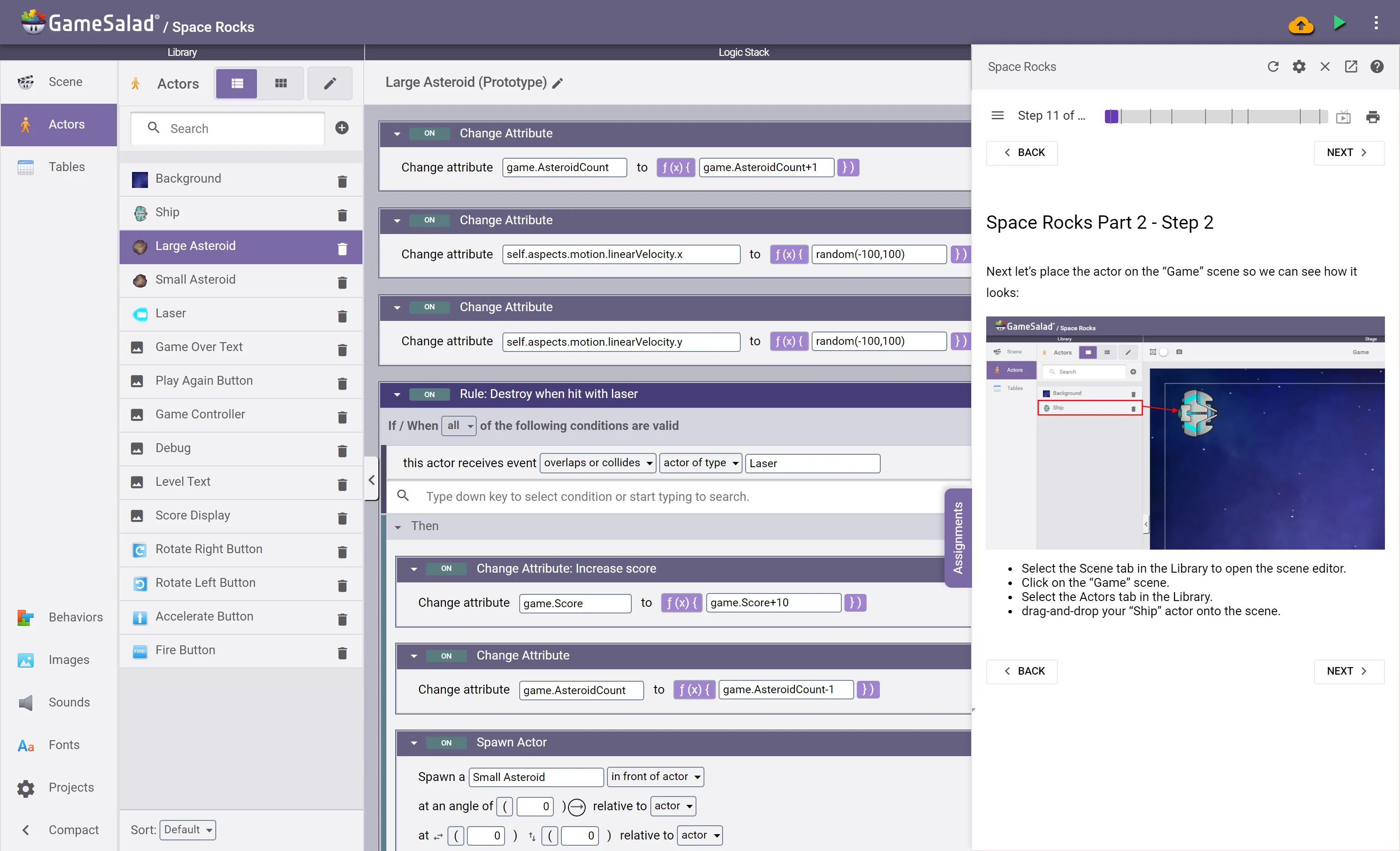
Step-by-step tutorials inside Creator walk beginners through their first games. Along the way they use the same ideas every programmer uses: conditions, variables, loops, and data. Those foundations give them a head start in whatever programming they study next.
From STEM to STEAM
The next Mozart?
Kids can add their own music and sound effects to their games.
The next Picasso?
Draw, paint, sculpt clay, or build with blocks, then take a photo and pull it into the game. Or go wild in any drawing app.
A curious Einstein?
A real physics engine and math expressions let them tune exactly how their game behaves.
Room to grow
GameSalad grows with your learner, from step-by-step tutorials to original games built from scratch.
A safe first step into making with AI
Bowlbot, GameSalad's AI agent, builds games with your kids. It's a useful way to meet AI as a creative tool, with limits that fit kids:
- It only talks about games and GameSalad. Bowlbot isn't a general chatbot. Its instructions keep every conversation on games and GameSalad, so it won't write an essay, do math homework, or chat about anything else.
- Nothing is hidden. Everything Bowlbot builds shows up as rules and behaviors your child can open, read, and change. They see how the game works, not just that it works.
- Kids stay in charge. Bowlbot lays out a plan before it builds and always asks before deleting anything.
- It teaches the habits AI work needs. Bowlbot can't play the game, so your child plays it, spots what's wrong, and asks again. Describing what they want clearly and checking the result is the skill that matters with any AI tool.
In classrooms, teachers get more controls, including a Learn Mode that guides students instead of building for them. See Bowlbot in the classroom.
Kids who turned play into creation
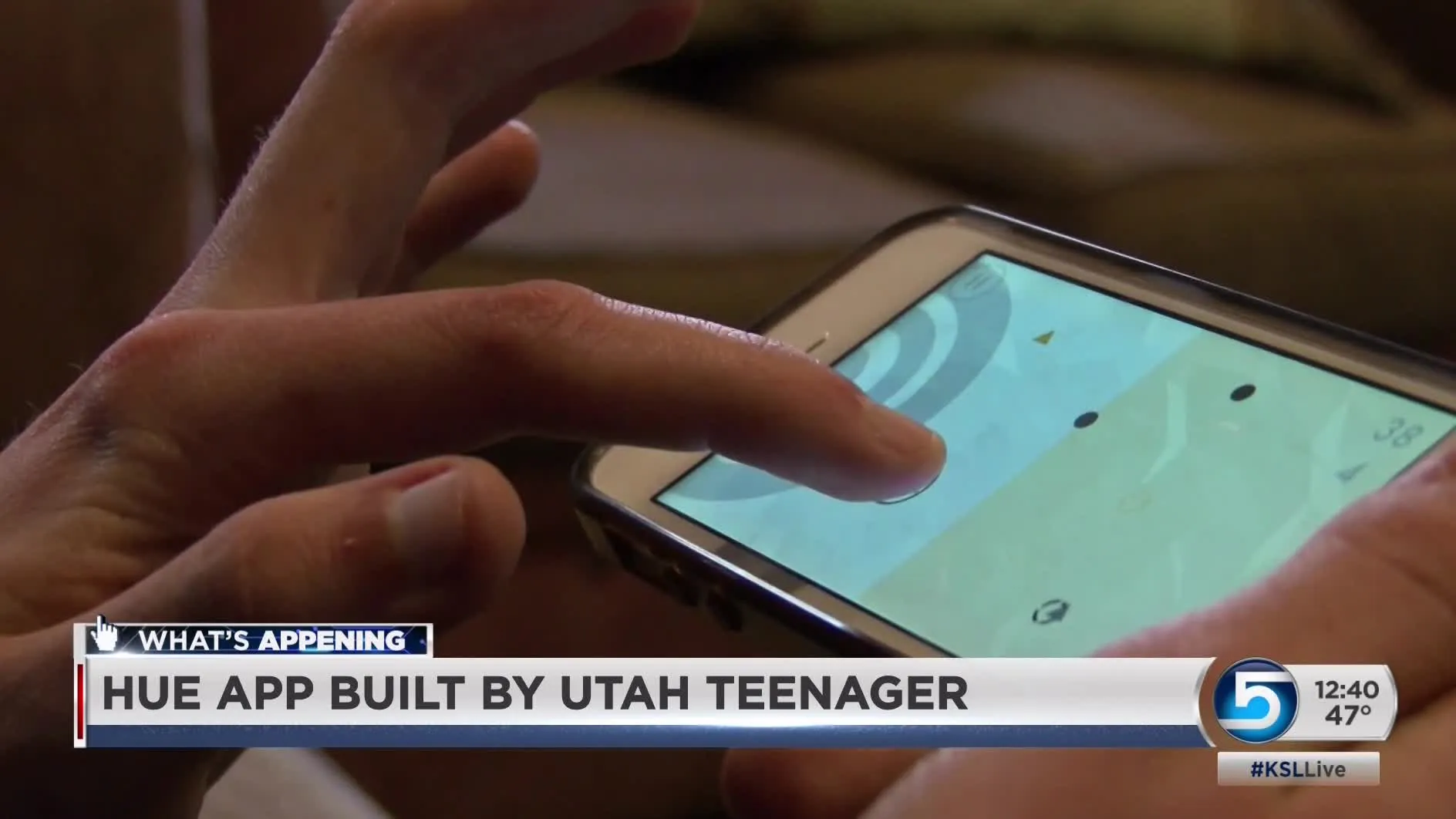
16-year-old Utah girl becomes app creator
Kelsea Barker followed her interest in coding and entrepreneurship to her first app.
From teen to developer and educator
Braydon Coyer wasn't sure he could program. GameSalad got him started.
Brother (7) and sister (9) make a game for charity
A UK brother-and-sister team built their own video game for a good cause.

Start making games today
GameSalad is free to start. When your creator is ready to put a game on the App Store or Google Play, Pro publishes everywhere.
Start creating free