
Build the game in GameSalad Creator, in any web browser.
Have your students outgrown Scratch?
Scratch is a great first step. When your students want to build bigger games and share them beyond one website, GameSalad for Education keeps them programming visually while they take on real game-design concepts.
Request a quote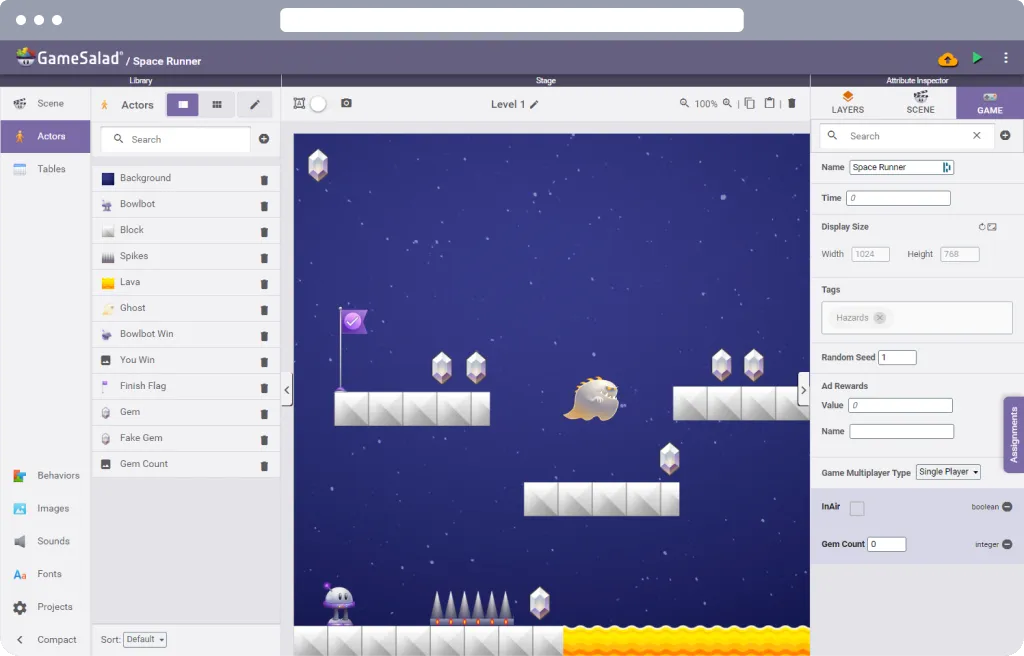
GameSalad is the next step for students who have started with Scratch but aren't ready for typed code. They keep programming visually, without typos and syntax errors, so they focus on concepts and intent and finish their creations faster. That confidence is the perfect stepping stone to traditional coding or to interactive art and design.
Already teaching with GameSalad and planning the move? Our free teacher guide, GameSalad from Scratch, maps every Scratch block to its GameSalad match, lists the misconceptions students hit, and lays out a six-lesson transition unit you can teach right away.
Scratch and GameSalad for Education, side by side
| Scratch | GameSalad for Education | |
|---|---|---|
| Designed for | Ages 8 to 16 | K-12 classrooms, with teacher-held accounts for students under 13 |
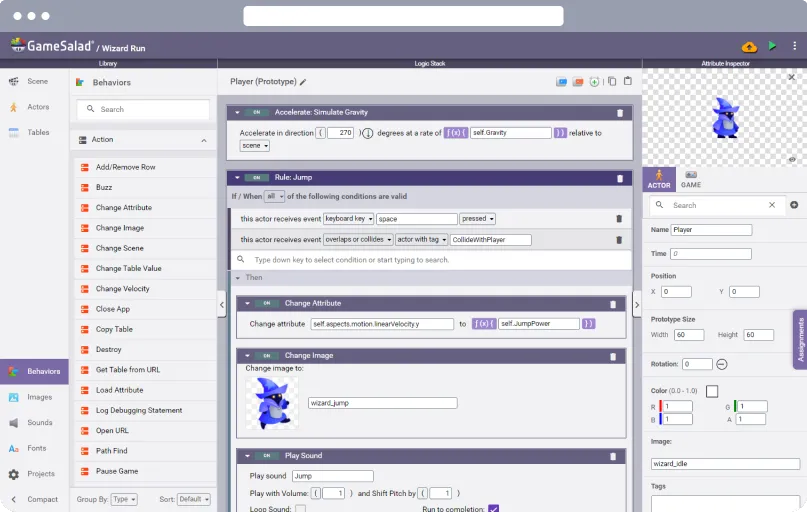
| How students build | Drag-and-drop blocks | Drag-and-drop behaviors and rules, or with Bowlbot, GameSalad's AI agent |
| What they work with | Sprites and scripts | Actors, scenes, attributes, tables, and rules, the building blocks of a real game engine |
| Where it runs | Browser, plus an offline app | Browser, including Chromebooks and iPads |
| Sharing games | The Scratch website | The GameSalad Arcade, or a private arcade for your class or school |
| Teaching support | Teacher accounts with classes and studios | Lesson plans, step-by-step tutorials, a Teacher Dashboard, an AI grading helper, and live teacher support |
| Standards | Not listed | Aligned to CSTA, ISTE, and state CS standards |
| AI | None built in yet | Bowlbot, with a Learn Mode that guides instead of building and per-class teacher controls |
| Cost | Free | Licensed per school or district |
Scratch details are from scratch.mit.edu and the Scratch Foundation as of November 2026. If something here is out of date, tell us and we'll fix it.
Signs a class is ready to move on
- Students' projects have grown past what is comfortable to manage in one block script.
- They want their games to look and play like the ones on their phones.
- They want to share their work with family and friends outside a single website.
- You want lesson plans, grading help, and standards alignment you can show your administrator.
What stays the same
Students still program by dragging and dropping, so there is no wall of syntax to climb first. The logic they learned in Scratch, such as events, conditions, loops, and variables, carries straight over to GameSalad's rules and attributes.
Planning the move? GameSalad from Scratch: a guide for teachers maps every Scratch block to its GameSalad match, lists the misconceptions students hit, and lays out a six-lesson transition unit.
Keep Scratch where it shines
Scratch is free and wonderful for younger learners. Many schools use Scratch in elementary grades and GameSalad from middle school up. The two fit together.
Teach concept transfer
Computer science keeps changing, so your students' most important skill is learning to learn. GameSalad lets them take the concepts they learned in Scratch and apply them in a new context.
Professional power
The same tool the pros use
Students use the same engine professional and hobbyist developers have used to ship games to the App Store, Google Play, and Steam. GameSalad games have reached the App Store top 100, and Lub vs Dub, built in GameSalad at a game jam, won a BAFTA Scotland New Talent award.
It's powerful enough for complex, professional-grade games and simple enough to leave room for creativity and self-expression. See GameSalad by the numbers.
Break their games out of the browser
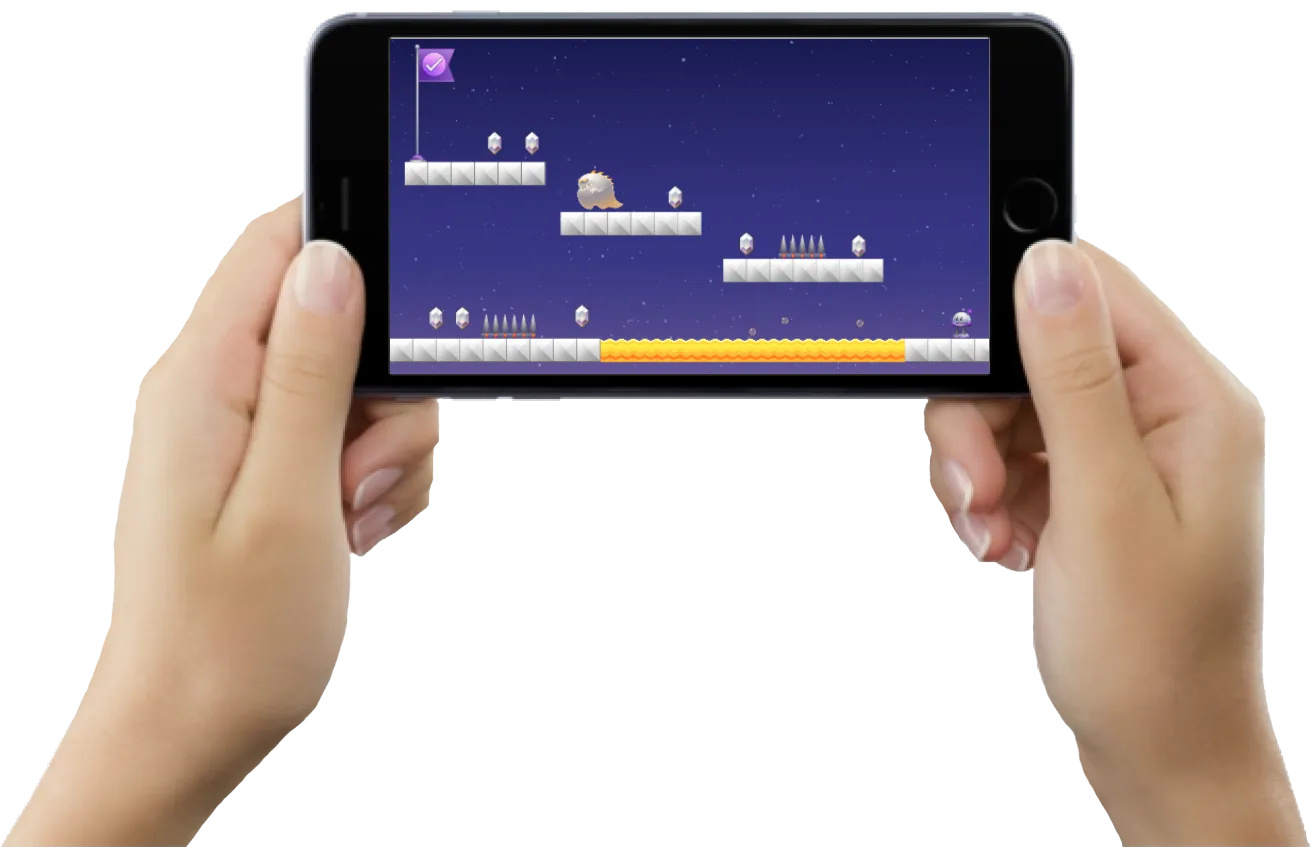
The free GameSalad Viewer app runs students' games on iPhones, iPads, and Android devices, with no developer license or device provisioning. They can carry their games home to share with family and friends. Already have an app store developer account? Students can publish just like the pros.
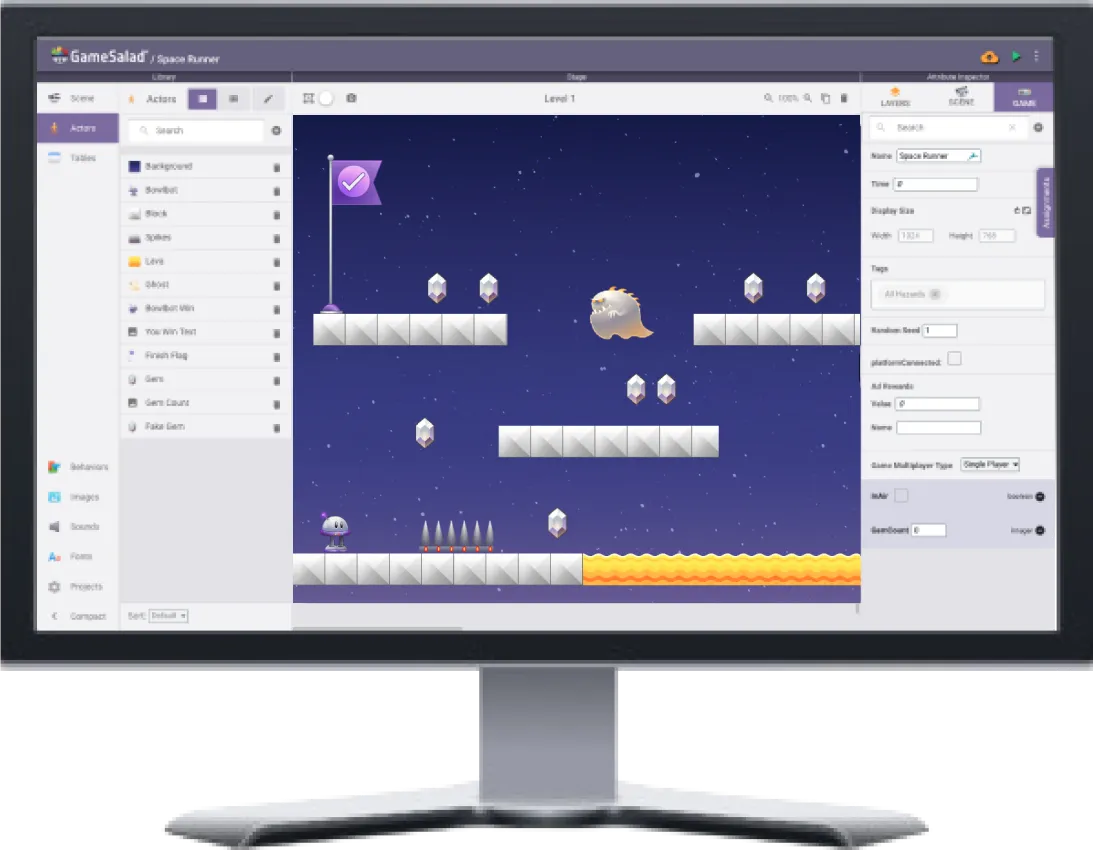
Step 1
Create
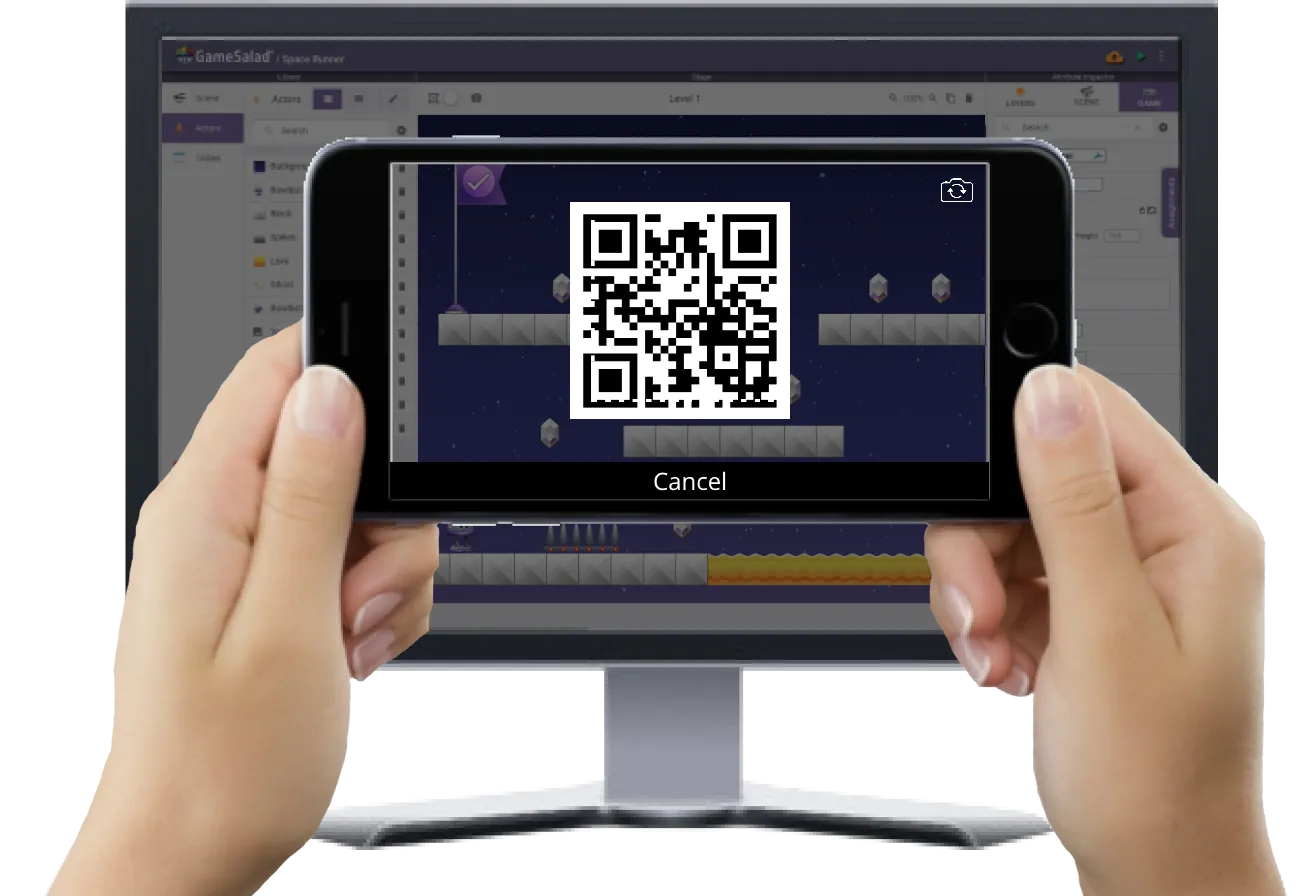
Step 2
Scan
Scan the game's QR code with the GameSalad Viewer app.
Step 3
Play
Play the game on a phone or tablet, and keep it.
Ready for the classroom
With GameSalad's game development curriculum and drag-and-drop interface, anyone can teach computational thinking and computer science concepts, no CS background required.
Plan your next step after Scratch
Tell us your grade levels and student count, and we'll put together a quote or walk you through a demo.
Request a quote