
Introduces object-oriented programming through random object spawners, logic that runs off-screen, and user interface design across devices.
CS concepts: Object-oriented design, User interface design, Random functions, Hardware sensors
CS.2 Creating a Game
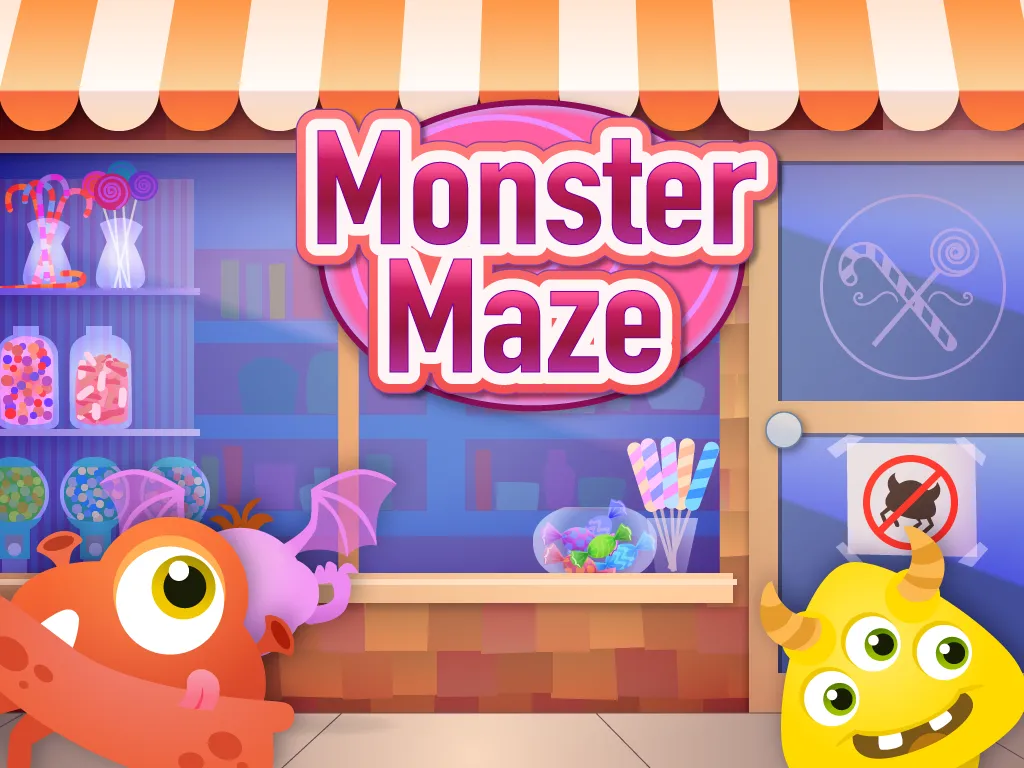
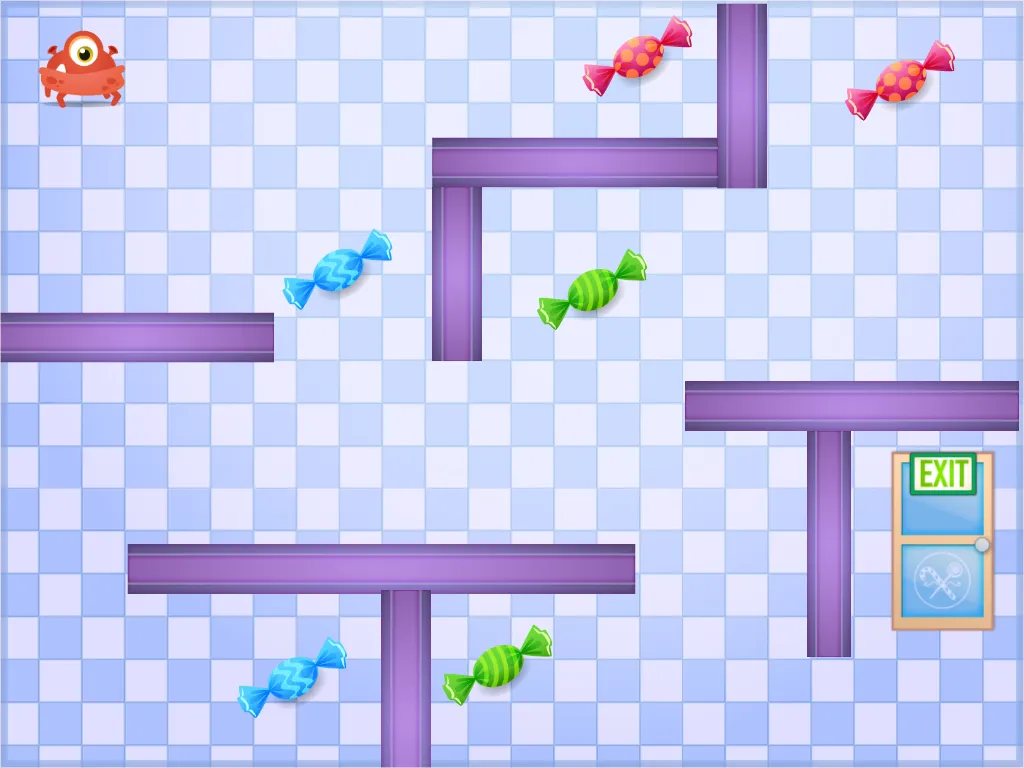
“Monster Maze” covers the basics of the GameSalad user interface and the foundations of a basic game, including user input and actor movement, collision, object collection, and victory and failure conditions.
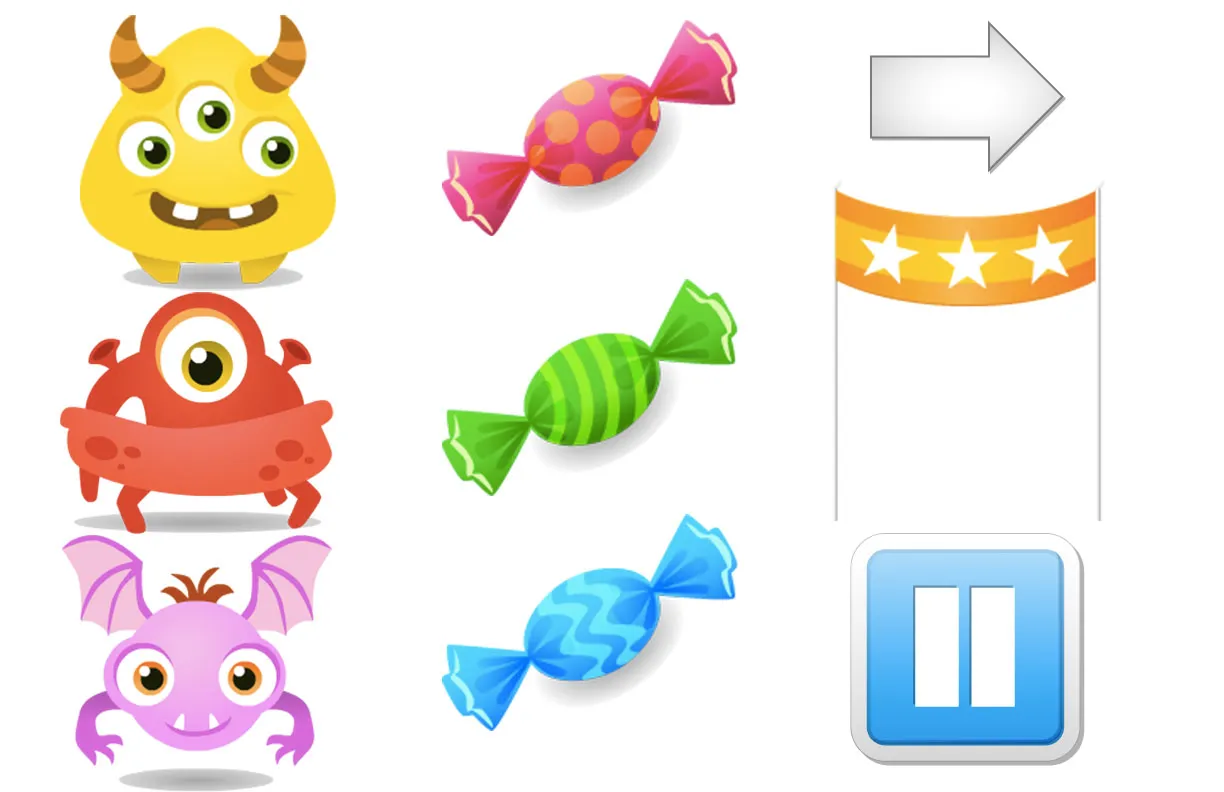
The unit is designed for ten 1-hour classes and includes a 65-page student guide, educator guide, deliverable checklist, rubric, assessment, finished game project, and all image and sound assets needed to create the ‘Monster Maze’ game.
CS concepts: Conditional statements, Algorithms, Variables
CS.3 Computer Systems
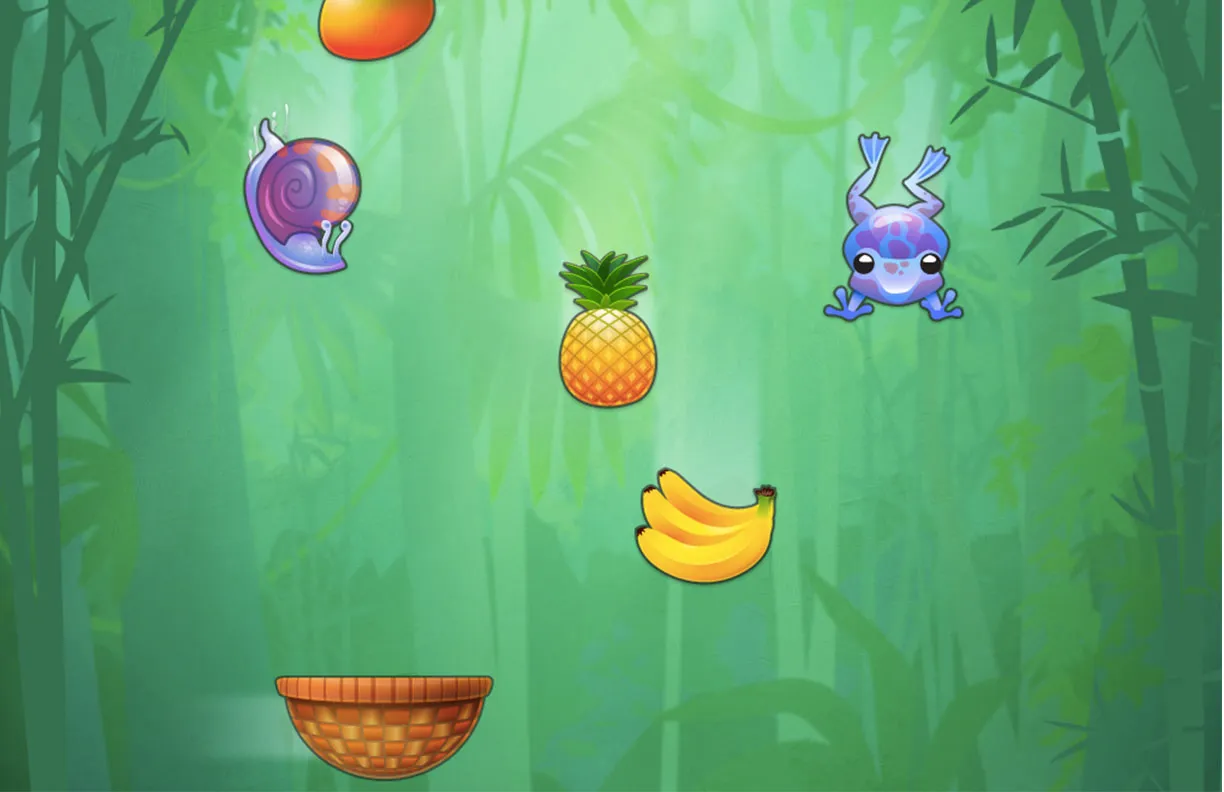
Introduces object-oriented programming through random object spawners, logic that runs off-screen, and user interface design across devices.
CS concepts: Object-oriented design, User interface design, Random functions, Hardware sensors
CS.4 Artificial Intelligence
More sophisticated game development: object spawning, attribute constraints, and basic AI-driven enemies.
CS concepts: Mathematical expressions, Looping, Game AI
CS.6 Animations and Game Physics
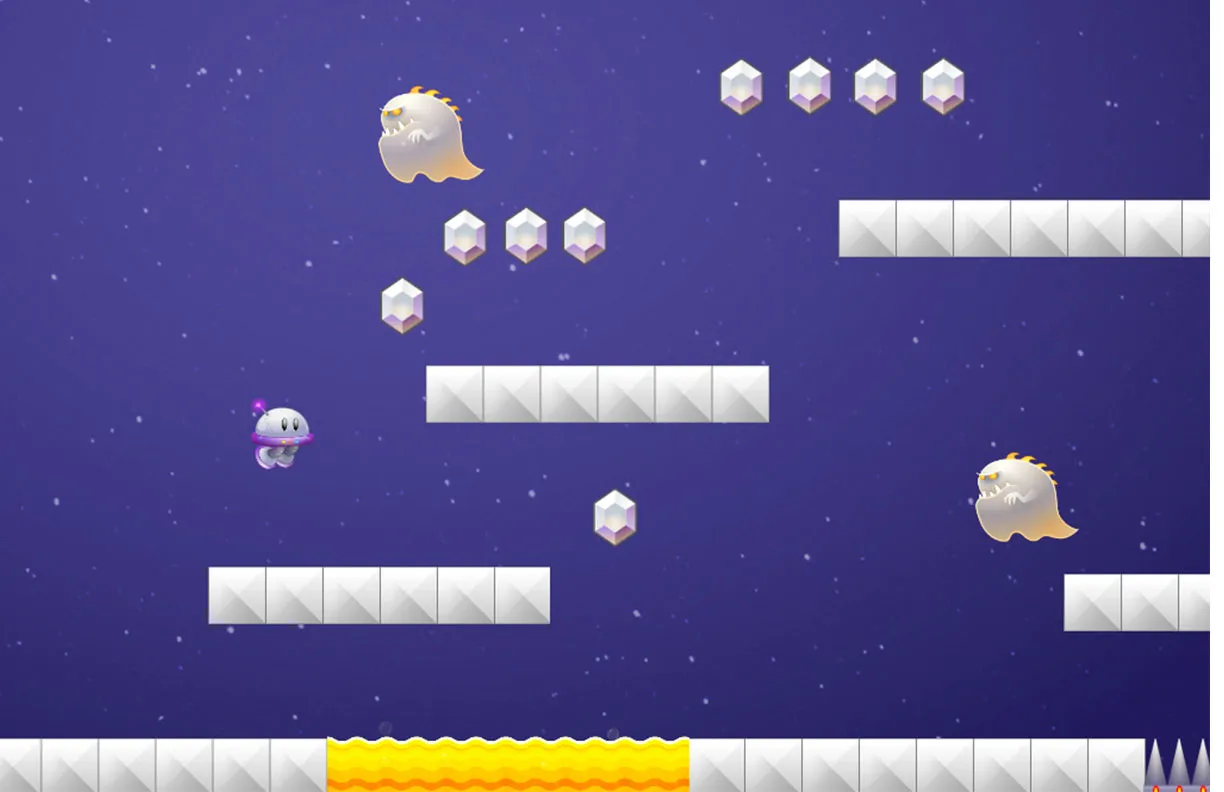
Physics simulation, particle systems, animation control, and platformer mechanics such as running, jumping, and object collection.
CS concepts: Animation systems, Particles, Looping, Physics
CS.7 Conditional Branching and Data
Conditional branching and multidimensional arrays (GameSalad tables) in a quiz game that inspires creativity.
CS concepts: Data-driven programming, Variable scoping, Data structures
Get the full unit, the teacher dashboard, and pricing for your school.
Request a quote